Organisation
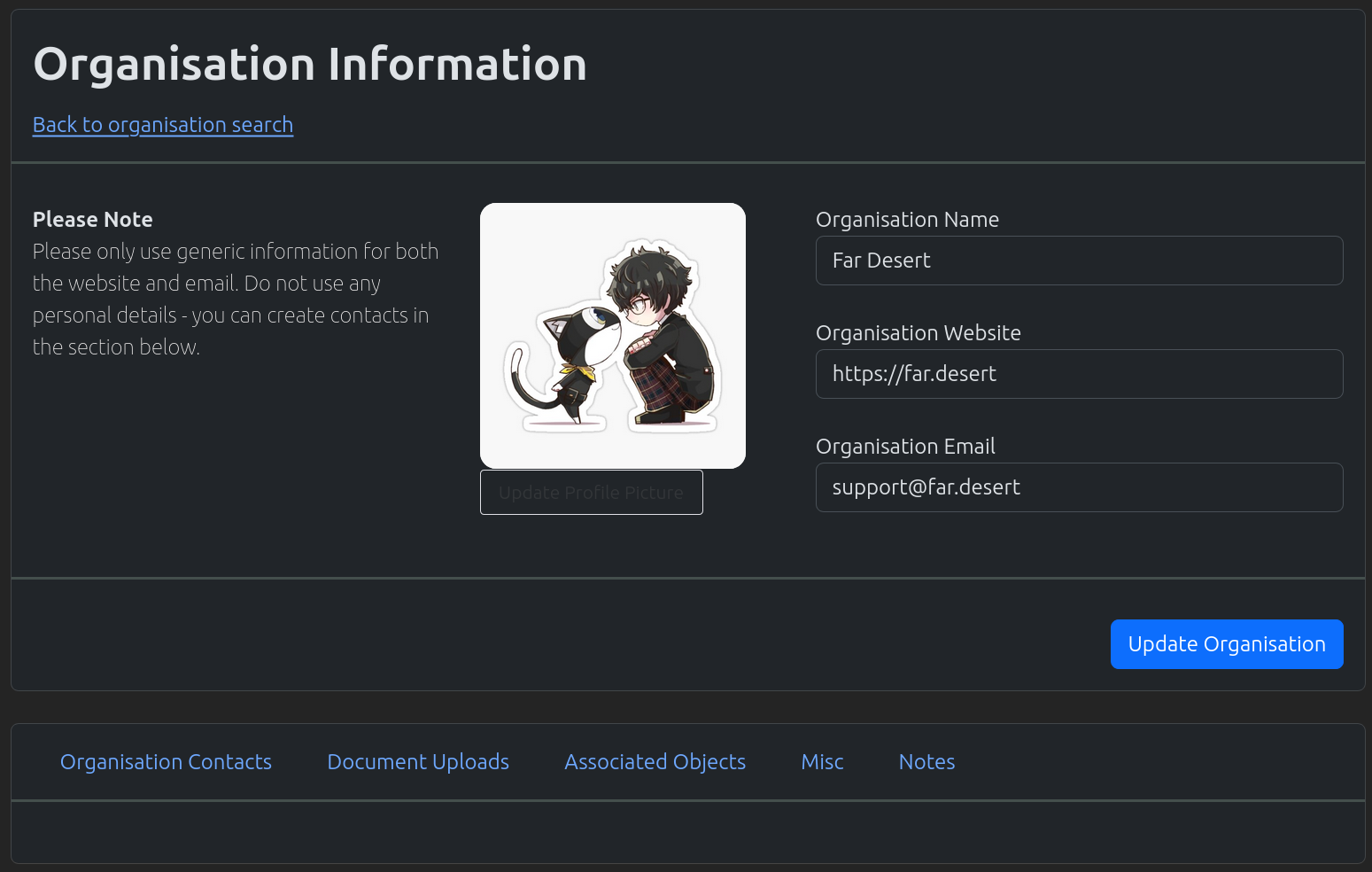
Organisations are used to store basic contact details.
Create An Organisation
In the navigation menu at the top of the page. Click on the option “New Object”
In the dropdown, click on the option “New Organisation”
The “New Organisation” page will load. Fill out the organisation form appropriately
Once completed, click on the “Add Organisation” button
Note
If the system detects a duplicated organisation. It will return back to this page to get confirmation. If this organisation is a duplicate, just leave the page. If it is not a duplicate please click the “Submit Organisation” button

Search An Organisation
In the navigation menu at the top of the page. Click on the option “Find Objects”
In the dropdown, click on the option “List Organisation”
The “List Organisations” page will load. Use the search field to search for your required organisation.
Note
Spaces are considered wildcards in this search.
Update An Organisation
Use the method above to find the appropriate Organisation you wish to edit.
Edit the Organisation, and once completed click on the “Update Organisation” button
Note
To update/change profile pictures. Click on the “Update Profile” button. Profile pictures are updated automatically when saved.
Organisation Misc Features

Connection with Organisation Customers
Ability to upload documents against an organisation
Ability to find current open associated objects, i.e. currently opened projects and tasks
Ability to assign tags to an organisation
Ability to write notes against an organisation