Requirement
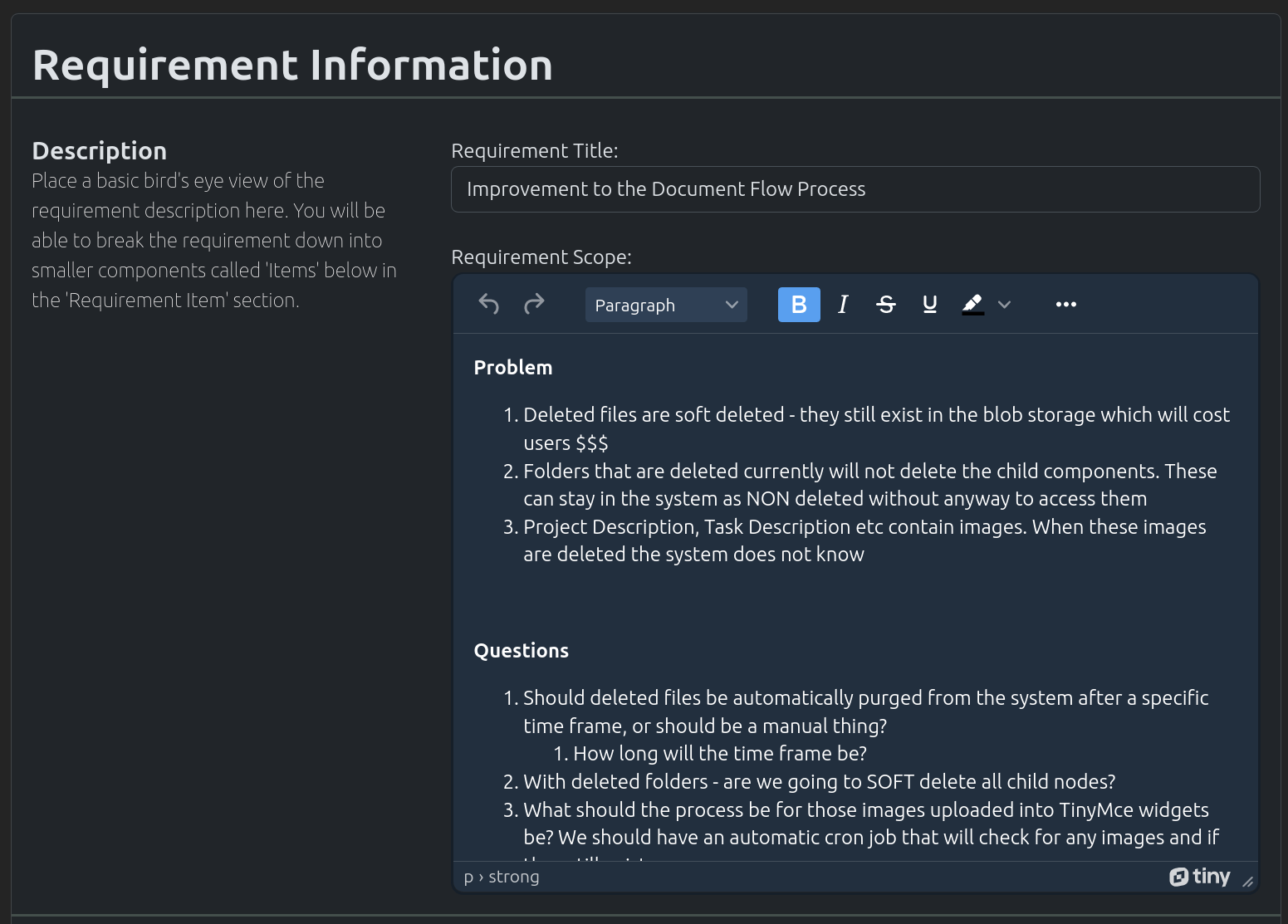
Requirement are used to gather customer’s requirements. These requirements should be kept at a high/helicopter level and any extra details should be placed within the requirement items (sub objects of requirements).
Create Requirement
In the navigation menu at the top of the page. Click on the option “New Object”
In the dropdown, click on the option “New Requirement”
The “New Requirement” page will load. Fill out the form appropriately and click on the “Create New Requirement”
Search Requirement
In the navigation menu at the top of the page. Click on the option “Find Objects”
In the dropdown, click on the option “List all Objects”
The “Search” page will load. Use the search field to search for your required requirement.
Note
Spaces are considered wildcards in this search.
Update Requirement
Use the method above to find the appropriate Requirement you wish to edit.
Edit the Requirement, and once completed click on the “Update Requirement” button
Misc Requirement Functionality

The following are misc/common functionality;
Add Group To Requirement - More Information
Assign Customer To Requirement - More Information
Adding Links to Current Requirement - More Information
Documentation - More Information
Adding Customers To Requirement - More Information
Creating New Sprints - More Information
Assigning Tags To Requirement - More Information
Creating Public Links for Requirement - More Information
Writing Notes for An Requirement - More Information
Misc Requirement Items
Please see the Requirement Item documentation`